Secrets stay on your device · No ads · No sign-up
Two-factor authentication,the way it should be.
Everything you expect from a modern authenticator — with security and privacy built in from the start. Your secrets stay on your device — always.
Trusted by 200,000+ people
4.7 · 260 ratings on Chrome Web Store


Works offline
No internet required
Your secrets stay private
Secret keys never leave your device
Open source
Anyone can read the code
Instant codes
Generated on your device
How it compares
Most authenticators live on your phone. This one lives in the browser, where you actually sign in.
| 2FA Authenticator | Google Authenticator | Authy | Microsoft Authenticator | Proton Authenticator | |
|---|---|---|---|---|---|
| Where it runs | Chrome | Android, iOS | Android, iOS | Android, iOS | Android, iOS, Windows, Mac, Linux |
| Puts the code in the login field | |||||
| Share a code, not your secret key | |||||
| Open source | |||||
| No account or phone number | |||||
| Export your codes | |||||
| Install for free | |||||
Compiled from each product's own documentation and store listings, August 2026. Something out of date? Tell us.
One right-click instead of your phone
The menu item appears on text fields. Nothing else changes.
Generate a code without installingLocked, even on a shared computer
Optionally lock your codes behind a password. They are encrypted on your device, and a recovery code means a forgotten password never costs you your accounts.
One tap to the account you want
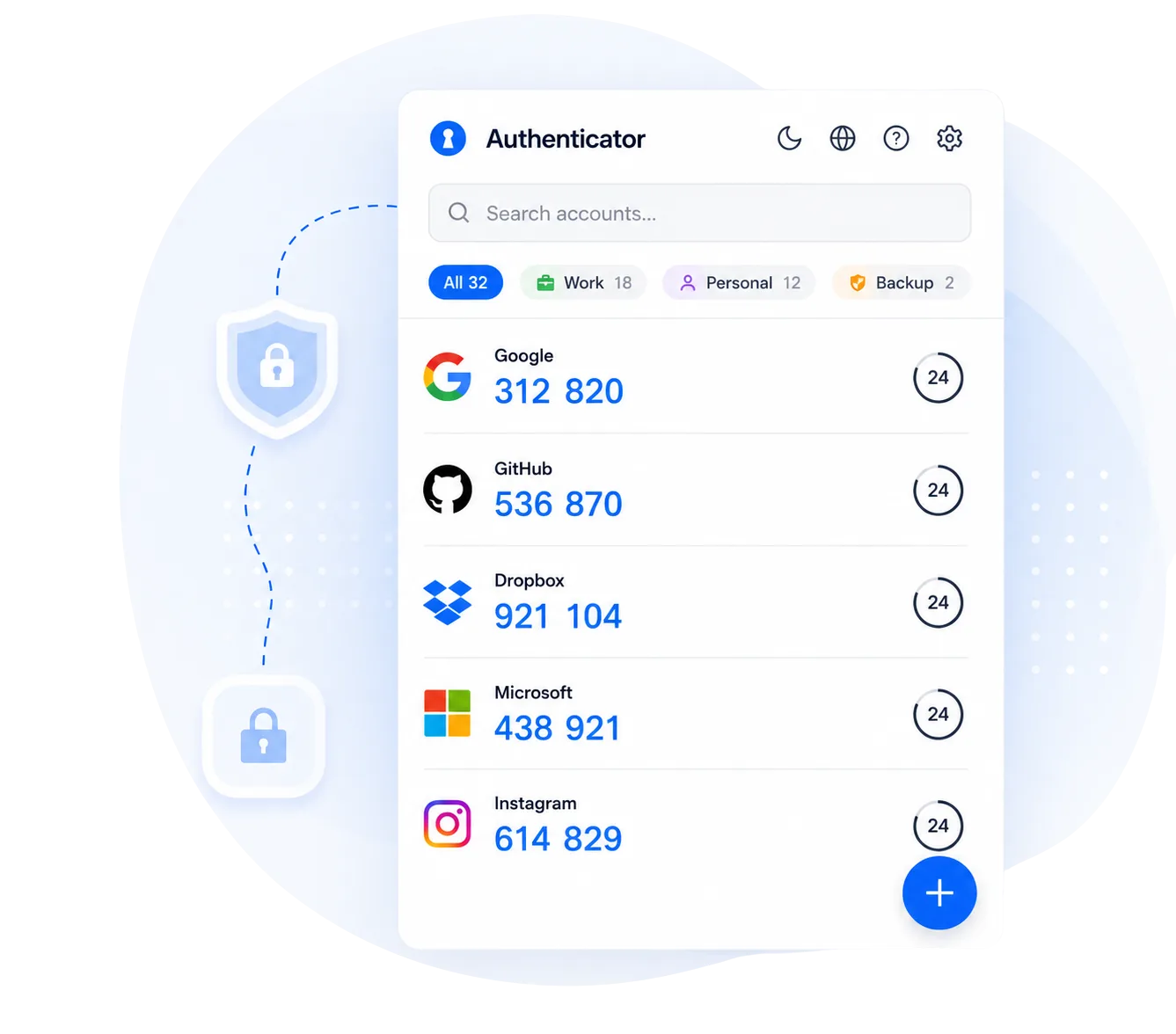
Sort accounts into groups like Work or Personal and filter the list in one tap.
Send someone a code, not your account
A link carries up to an hour of ready-made codes and never your secret key. Whoever you send it to opens it in any browser — nothing to install, no account to make. When the hour is up, there is nothing left in the link to show.
Everything you need for 2FA
Auto Backup
Automatic local backups keep the last 7 days, so a mistake or a browser reset doesn't cost you your accounts.
Export & Import
Paste a whole list of otpauth:// links to move in, and export every account back out as the same plain links — the format other authenticators read.
Time-Synced Codes
Built-in time synchronization check ensures your codes are always accurate and valid.
QR Code Scanner
Scan QR codes directly from your screen. No need for a phone camera — just click and add.
Quick Search
Find your accounts instantly with built-in search. No scrolling through long lists.
20+ Languages
Available in English, Spanish, Chinese, Russian, Japanese, and many more languages.
Missing something? We build from what people ask for. Feature requests
What people say on the Chrome Web Store
This extension is exactly what I needed. It’s incredibly fast and lightweight, making it super easy to grab my 2FA codes without having to reach for my phone every time.really outstanding and easy to use, love the suggest feature that shows you the current website code recommended at the top ❤️The 2FA Extension is a reliable and user-friendly tool that adds an extra layer of security to your online accounts. Its setup process is quick and straightforward, making it accessible even for beginners.Setting up 2FA for a specific service?
Step-by-step guides for the accounts people protect most — where to find the setting, what to scan and which codes to keep.
2FA guidesFrequently Asked Questions
Is my data secure?
Your accounts are stored in your browser — on your device, and in Chrome Sync under your own Google account if sync is on. Your secret keys, account names and codes never reach us.
- Secret keys never leave your device
- Automatic local backups (last 7) in case something goes wrong
- Stored in Chrome storage, with sync as an optional second copy
By default your codes are stored unencrypted and are protected by your computer login and Chrome profile — the same as most authenticator extensions. For stronger protection, turn on password protection in Settings: your codes are then encrypted on your device, including the backups, and cannot be read without your password.
The extension does check in with our server once a day, for the free plan and Pro — with an anonymous id and a few numbers, never your accounts. "What does the extension send to your server?" below lists everything it sends.
Is it free?
Yes, to use. The extension is free to install, and the free plan has every feature:
- Installations from before version 1.14.0 keep unlimited accounts, free. Nothing changes for them.
- New installations may have a limit on how many accounts they hold for free. Pro removes the limit.
- The limit only ever stops adding an account. Every account you already have keeps its code, and export, backups, restoring and sync keep working — with or without Pro, and after a subscription ends.
The limit is checked on your computer, from the last policy our server signed, so a limit the extension has already received applies offline too. Until the extension has reached our server once, nothing is limited.
Can I use this on multiple devices?
Yes — on every computer where Chrome is signed in to the same Google account:
- Install the extension on the other computer
- Sign in to Chrome there with the same Google account and turn sync on, with Extensions included in what Chrome syncs
- In the extension, check that Settings → "Sync across devices" is on. It is on by default
- Your accounts appear on the other computer, usually within a few minutes
If Settings says "Too many accounts to sync — they stay on this computer", Chrome's sync can't carry that many. Move them by hand instead: Settings → "Export" on one computer, "Import" on the other. A password-protected file is the safest choice.
There is no phone version: Chrome on phones doesn't run extensions. To have the codes on your phone too, scan the service's QR code with a phone authenticator app as well when you set up two-factor authentication — both will show the same codes.
Can I import from Google Authenticator?
Yes. Google Authenticator exports your accounts as a QR code on the phone, and the extension reads it with your computer's camera:
- Open Google Authenticator on your phone
- Tap the ⋮ menu (top right) → "Transfer accounts" → "Export accounts"
- Pick the accounts and tap Next. Your phone now shows a QR code
- In the extension: Add Account → QR Code → "Scan QR with camera", and point your computer's camera at the phone screen
- Exporting many accounts? Google Authenticator splits them across several QR codes — tap Next on the phone and scan each one
No camera on this computer? Photograph the QR code with another phone or camera, send the picture to your computer, and use Add Account → QR Code → "Choose Image". A screenshot won't do: on Android, Google blocks screenshots of that export screen, so a second device is the only way to capture it. "Scan QR from screen" doesn't help here either — it reads codes shown on this computer's screen, not on your phone.
No second device either? Then set the accounts up again one service at a time: on the website turn two-factor authentication off and straight back on, and use Add Account → QR Code → "Scan QR from screen".
If you already have the transfer link as text — it starts with otpauth-migration:// — paste it into Settings → "Paste links" instead.
Keep Google Authenticator on your phone until a code from the extension has been accepted.
Why are my codes not working?
Usually the code itself is fine — it belongs to a different QR code than the one the website is waiting for. The extension checks the time on its own, so there is nothing to change on your computer.
What usually happened, and what to do:
- The website made a new QR code. It does that whenever its setup page is reloaded or opened again, and the account you added first stops matching. Start the setup on the website again, add the QR code that is on the screen now, and type its code in straight away
- The code came from another entry. If the same website is in the list twice, the newest entry is the one that works — and during setup the website wants the code of the account you just added
- Two-factor was already set up somewhere else, such as an app on your phone. The extension shows codes only for accounts added to it. To move that account here, set up the authenticator on the website again, this time with the extension
- The website wants a different code — one it sent you by text message or email, not one from an authenticator app
If the code is about to change, wait for the next one. Before you delete an old entry, export a backup first (Settings → "Export"). And if the extension itself shows a warning about the time, do what it says.
Ready to secure your accounts?
Join the 200,000+ people who already generate their codes here.
Add to Chrome — It's Free